Home Office Ergonomics: Beat Digital Strain & Back Pain
Published on December 25, 2025 by Admin
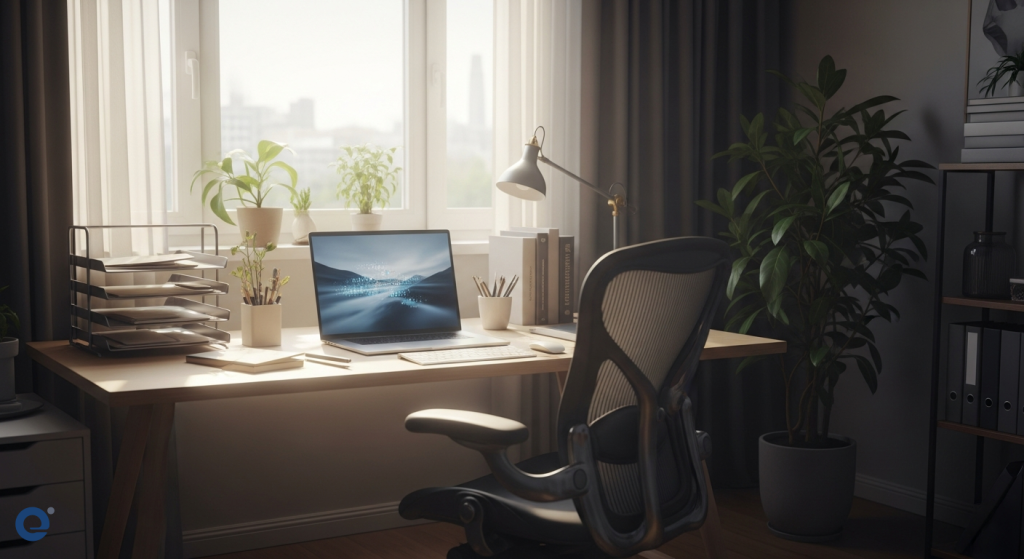
Working from home offers flexibility. However, it often leads to discomfort. This is especially true for digital strain and back pain. Poor home office setups are a major cause. Understanding ergonomics is key. It helps create a comfortable and productive workspace.
Ergonomics is the science of fitting the environment to the user. It aims to reduce physical strain. It also improves efficiency and well-being. For remote workers, this means adapting their home space. This prevents common issues like eye strain and backaches.
The Hidden Dangers of Home Office Setups
Many remote workers face discomfort. This is due to inadequate chairs and desks. Poor lighting also contributes. Our bodies are not designed for prolonged sitting. This is especially true in incorrect positions. Adapting the workspace to the human body is essential. It prevents back pain, eye strain, and even migraines.
Indeed, a significant number of home office workers report pain. For example, 72% of workers in home offices report back or neck pain. This problem can be avoided with simple adjustments. These adjustments focus on creating an ergonomic environment.
Understanding Back Pain in a Remote Setting
Back pain in a home office doesn’t appear suddenly. It often results from accumulated habits and environmental factors. Sedentary behavior is a leading culprit. Prolonged sitting puts immense pressure on the lower back. It can compress spinal discs. This leads to chronic pain. Research shows that adults sitting for 3-6 hours daily have a higher risk of developing lower back pain compared to active individuals. Movement is crucial for spinal flexibility and muscle engagement.
However, many home offices lack setups that encourage movement. An improper arrangement of desks, chairs, and equipment is another major contributor. A chair without lumbar support is problematic. A desk that is too high or too low also causes issues. Incorrect monitor positioning forces the body into awkward postures. Over time, this misalignment strains the muscles supporting the spine. This can lead to muscle deconditioning or pain in various back regions.
For instance, a poorly set monitor can cause forward head and neck alignment. This promotes discomfort in multiple areas. The spine’s structure involves vertebrae and intervertebral discs. These discs absorb shock and allow flexibility. Muscles like the multifidus help maintain stability. They ensure alignment and control movement. When these structures endure improper pressure, pain signals are sent. This happens as the body struggles to compensate.
Interestingly, prolonged sitting requires the multifidus muscle to stay engaged. This prevents it from relaxing or recovering. This leads to prolonged strain and discomfort. This is especially true when combined with poor posture or ergonomics. This can result in lower back pain that appears gradually due to repetitive strain. Prolonged sitting and poor ergonomics can also worsen underlying issues. Multifidus muscle dysfunction is one such issue. This condition impairs the muscle’s ability to stabilize and support the spine. It can lead to chronic mechanical lower back pain if left untreated.
Tackling Digital Eye Strain
Digital eye strain, or Computer Vision Syndrome, is common. It arises from prolonged use of digital devices. Symptoms include dry eyes, itching, and a foreign body sensation. Watering eyes, blurred vision, and headaches are also typical. Non-ocular symptoms can include a stiff neck, general fatigue, and backache. Before the pandemic, its prevalence ranged from 5% to 65%.
The COVID-19 pandemic increased screen time dramatically. Digital learning became the norm for many. As a result, DES prevalence in children rose to 50-60%. Symptoms also expanded. They now include recent onset esotropia and vergence abnormalities. New-onset myopia and increased myopia progression are significant ocular health complications. You can learn more about protecting your eyes in the digital age by reading about the hidden dangers of blue light.
Strategies to Reduce Eye Strain
Several management options exist for digital eye strain. Following correct ergonomics is crucial. This includes reducing average daily screen time. Frequent blinking is also important. Improving lighting conditions helps. Minimizing glare on screens is beneficial. Taking regular breaks from the screen is vital. Changing focus to distant objects intermittently can provide relief. The 20-20-20 rule is a popular strategy.
This rule suggests taking a break every 20 minutes. During the break, look at something 20 feet away. Continue looking for at least 20 seconds. This simple practice can significantly reduce eye strain. Good lighting is also important. Avoid working in dim light. Ensure your screen is not too bright or too dim.
Setting Up an Ergonomic Home Office
Creating an ergonomic workspace is vital. It prevents back pain and ensures long-term physical health. This is especially true for those spending long hours at a desk. Adapting your environment is the first step.
Chair Adjustment: Your Foundation for Comfort
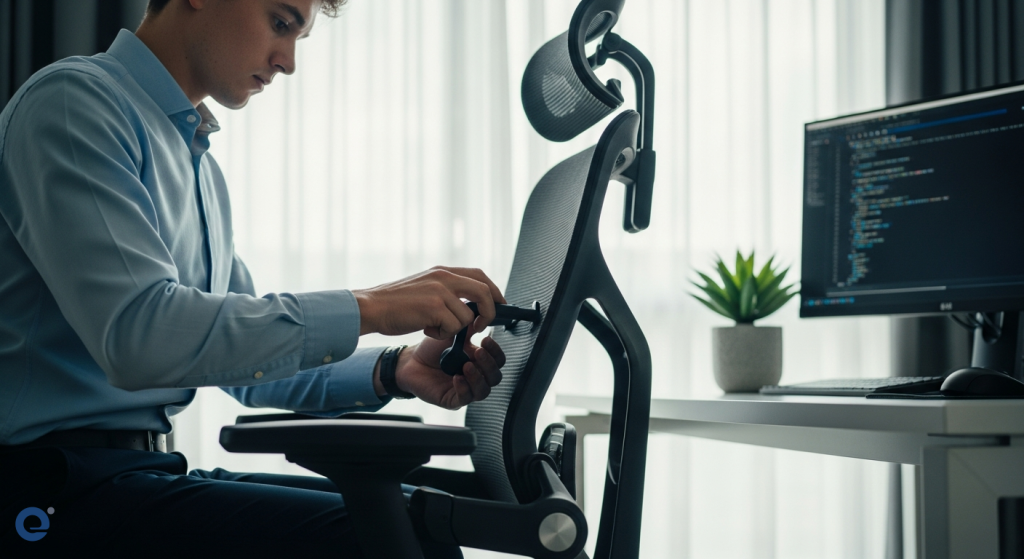
Your chair is the cornerstone of your home office. It must support your lower back. It should also help maintain correct posture. Look for a chair with adjustable height and armrests. Ensure your feet are flat on the floor. Your knees should be at a 90-degree angle. If your feet don’t reach, use a footrest.
Lumbar support is critical. It maintains the natural curve of your spine. If your chair lacks this, use a rolled towel or a lumbar support pillow. Avoid sitting for too long. Aim to stand up every 60 minutes. This relieves muscle tension and reduces eye strain.
Desk and Monitor Position: Aligning for Health
The desk should be at an appropriate height. Your elbows should rest comfortably at a 90-degree angle when typing. The monitor should be positioned at eye level. This prevents strain on your cervical spine. The top of the screen should be at or slightly below eye level. This helps maintain a neutral head and neck position.
Position the monitor at an arm’s length away. This reduces eye strain. Avoid placing the monitor directly in front of a bright window. This can cause glare. Use an anti-glare screen filter if needed. Ensure your keyboard and mouse are within easy reach. This prevents overstretching.
Lighting and Glare Control
Proper lighting is essential. Avoid direct light on your screen. Seek soft, uniform lighting in your environment. Natural light is ideal. Position your desk so that windows are to the side, not directly in front or behind your monitor. If using artificial light, ensure it is diffused. Avoid harsh overhead lighting.
Minimize glare on your screen. This can come from windows or overhead lights. Adjust blinds or curtains. Use an anti-glare screen. Keep your screen clean. A clean screen reduces reflections.
Beyond the Setup: Habits for Well-being
Ergonomics is not just about furniture. It’s also about your habits. Incorporating movement and breaks is crucial.
The Importance of Regular Breaks
Standing up every 60 minutes is important. This helps relieve muscle tension. It also reduces eye strain. Breaks allow your body to recover. They prevent stiffness and discomfort. Consider using a timer to remind you to take breaks.
During breaks, stretch your neck, shoulders, and back. Walk around for a few minutes. This improves circulation. It also re-energizes you. These short breaks can significantly improve your overall well-being.
Movement and Posture Awareness
Be mindful of your posture. Avoid slouching. Sit up straight with your shoulders relaxed. Regularly shift your position. This prevents muscles from staying in one position for too long. Consider a standing desk converter. This allows you to alternate between sitting and standing.
Movement is essential for spinal health. It keeps your muscles engaged. It also prevents stiffness. Even small movements throughout the day can make a difference. For instance, try simple desk exercises. These can improve flexibility and reduce strain.
Frequently Asked Questions (FAQ)
What is ergonomics and why is it important for remote work?
Ergonomics is the science of designing workspaces to fit the user. It’s crucial for remote work to prevent physical strain like back pain and eye strain from prolonged computer use.
How can I prevent digital eye strain?
Reduce screen time, blink frequently, improve lighting, minimize glare, take regular breaks, and follow the 20-20-20 rule.
What are the key elements of an ergonomic chair?
An ergonomic chair should support your lower back, allow for adjustable height and armrests, and promote a 90-degree angle at your knees and elbows.
How should I position my monitor?
The top of the monitor should be at or slightly below eye level, and it should be about an arm’s length away to avoid neck and eye strain.
How often should I take breaks when working from home?
It’s recommended to stand up and move for a few minutes at least every 60 minutes to relieve muscle tension and reduce eye strain.
Conclusion
Creating an ergonomic home office is vital. It prevents digital strain and back pain. By adjusting your chair, desk, and monitor. By controlling lighting and glare. And by incorporating regular breaks and movement. You can transform your workspace. You can make it a haven for productivity and well-being.
Prioritizing ergonomics is an investment. It’s an investment in your long-term health. It ensures you can work comfortably and effectively from home. Remember, a well-designed space supports your body. It also boosts your overall quality of life. For more on improving well-being, explore lifestyle medicine for chronic diseases.
Ergonomics Expert Explains How to Set Up Your Desk | WSJ Pro Tip